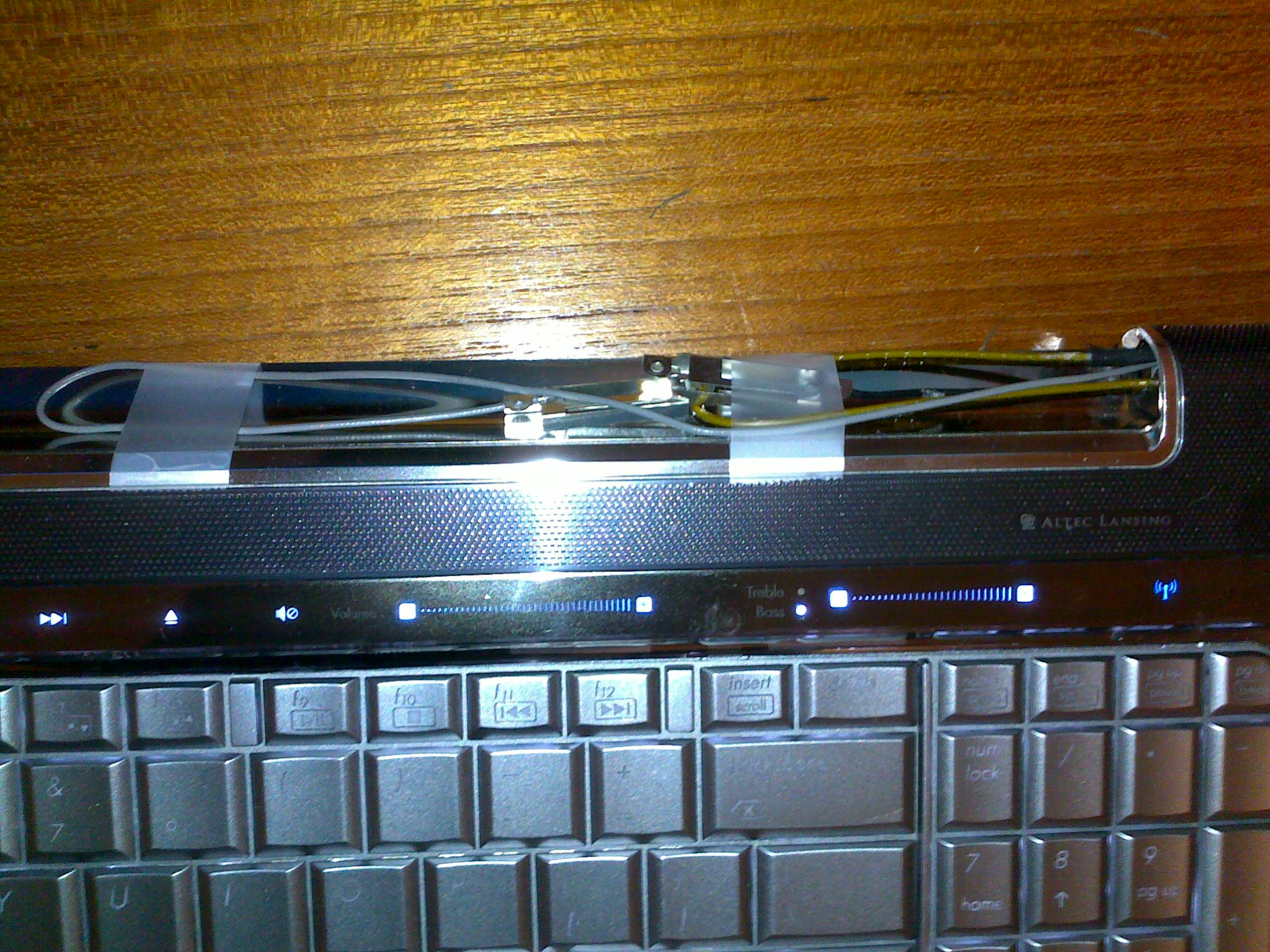
Ever since I got my MacBook, I gave my HP laptop to my sister. However, a few weeks ago, her screen’s backlight stopped working. When she turned on the laptop, the screen just turned black after a few minutes. I thought it was an inverter problem at first, so I ordered a replacement for ~$57 from HP.com. Sadly, it didn’t fix the problem, but at least I’m able to return it and get credit back. So the next thing for me to try out was to replace the whole LCD screen, which would cost too much.
I decided it would be easier and cheaper to just remove the whole laptop lid, and just use an external monitor for the screen. I didn’t have any spare monitors around the house, so I asked Griselda, and thankfully she had one that’s been sitting behind a desk for years. I got it from her today and it turns out that it’s a pretty nice Dell 2007WFPb 20″ monitor, which has 4 USB ports, supports VGA, DVI, composite video, and s-video! It displays a good 1680×1050 resolution, and the stand is able to tilt, swivel, and turn 90 degrees (from horizontal to vertical). Thanks a lot Griselda! 😀
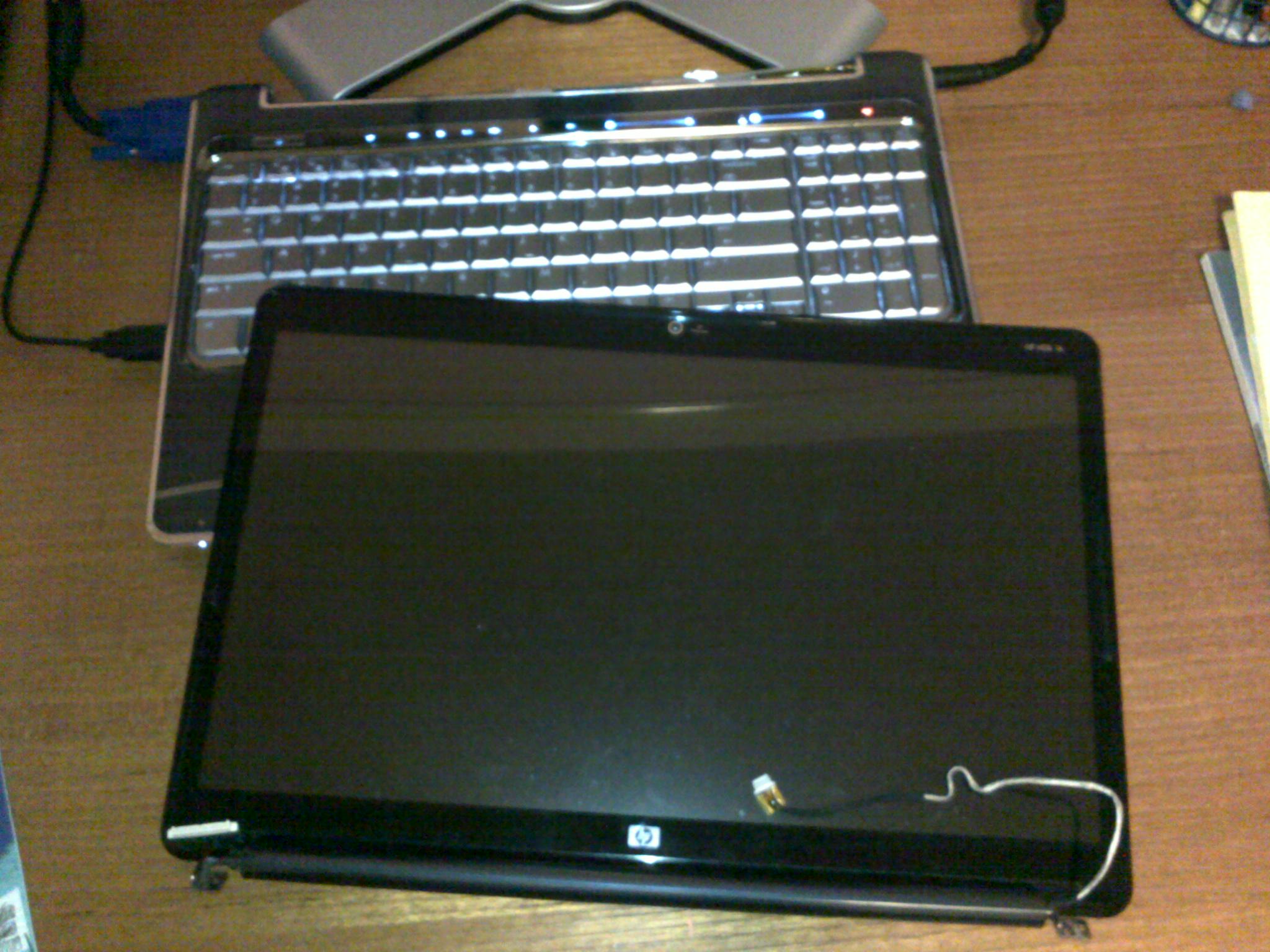
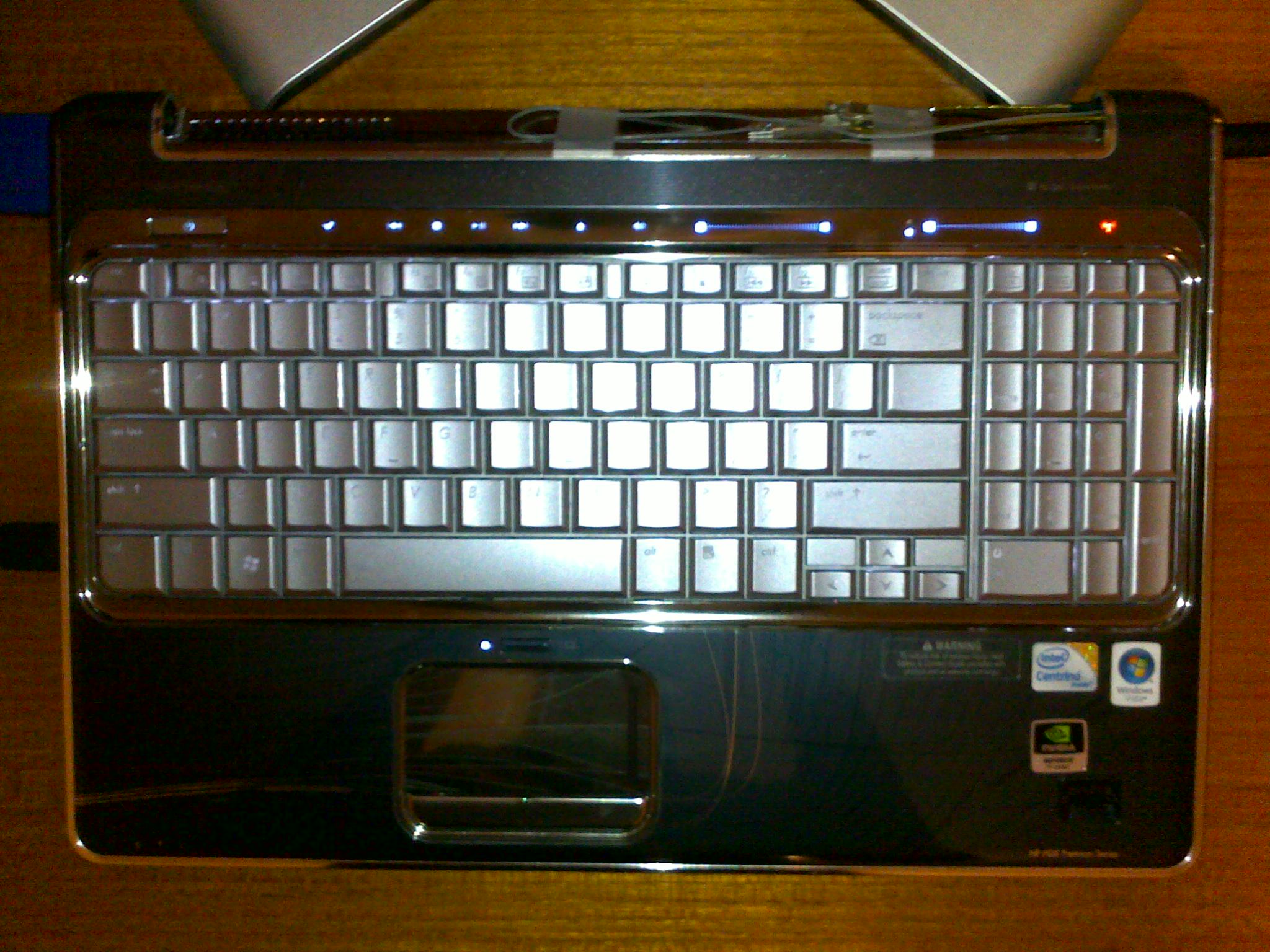
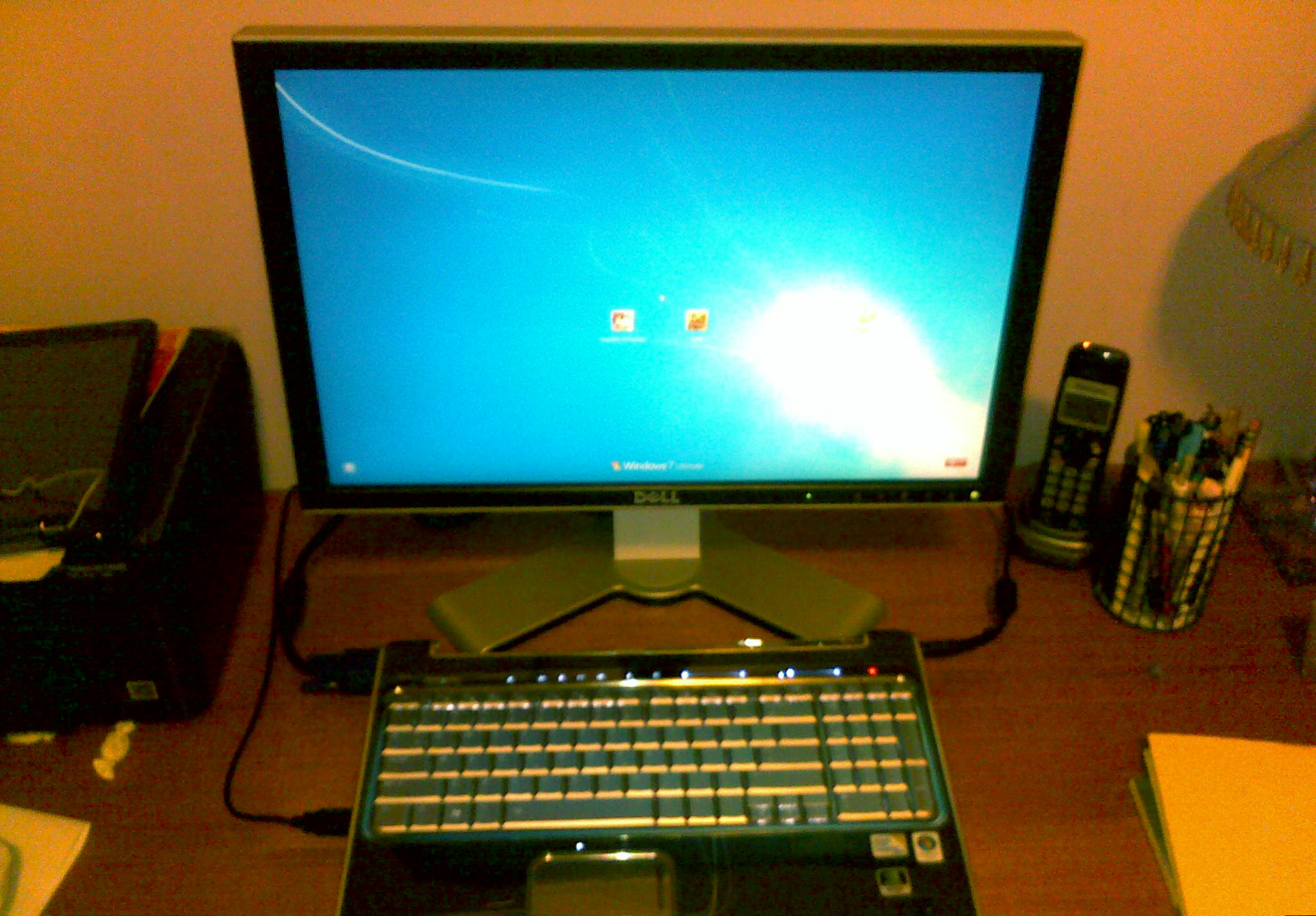
P.S. The monitor didn’t work at first when I connected it to the laptop — it would just turn black after 1 second of being on. I searched online and I thought I had to replace some capacitors on the main board, but after opening up and taking a look, I quickly found the problem: a loose cable!
P.P.S. The laptop’s wifi antennae were in the lid. So to keep the wifi working, I had to get the wires out of the lid. And to keep the wires from dangling everywhere, I just taped it to the laptop.